
For technicians · MOAS
MOAS 3D startup guide
Identify each component and its purpose, then follow the First Time Startup Sequence at your own pace. For technicians and trained kitchen staff.
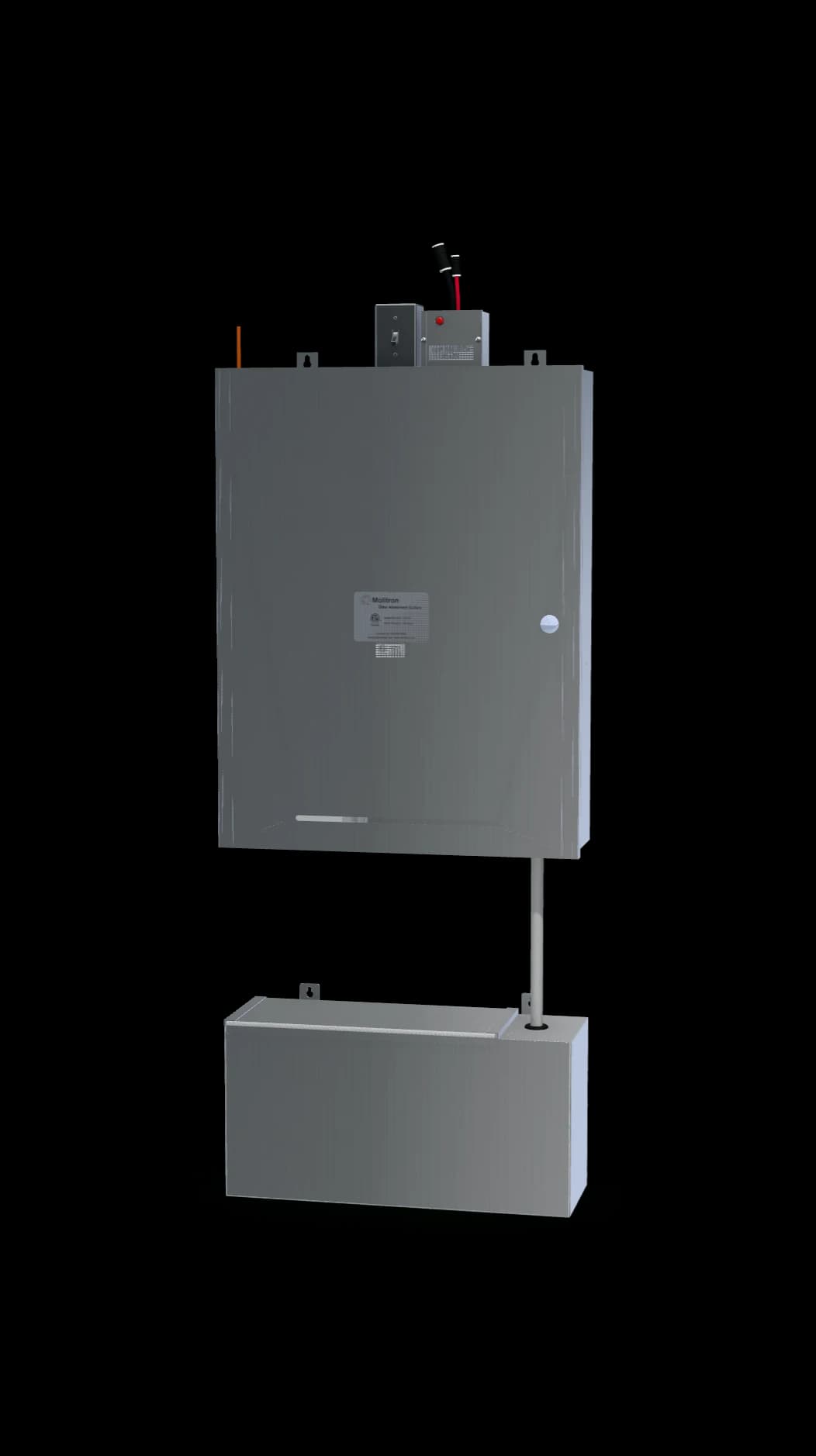
MOAS · Interactive 3D
Get to know the equipment
Click a component to learn its purpose, or open the First Time Startup Sequence and choose each step at your own pace. Rotate, zoom, and inspect the equipment with the model controls.
Product visualization · some covers are omitted to show the components. See current documentation for installation and service.
Technical review draft. The initial startup actions follow the supplied startup guide; later pump, nozzle, and final operating steps still need confirmed instructions. Those steps are marked in the sequence. Use current controlled instructions and the applicable project drawings for field work.