
Support hub · MOAS
MOAS 3D startup guide
Start up a new MOAS one step at a time, on your phone at the cabinet. 16 steps, each with where to look, what to check and help if you get stuck.
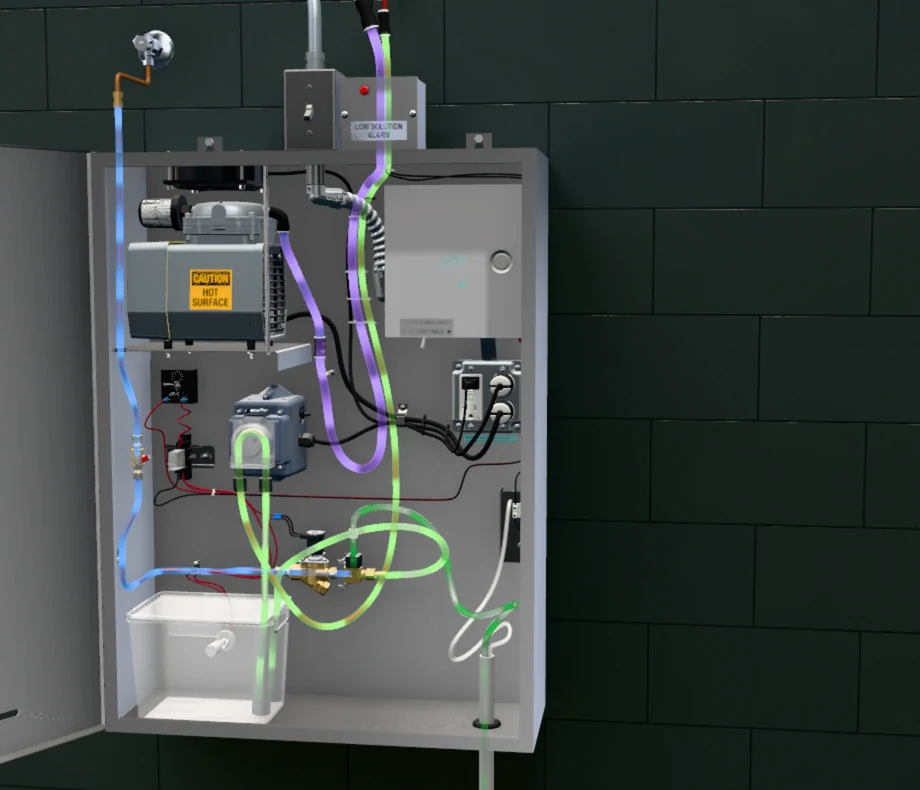
01 — Guided startup
One step at a time, at the cabinet
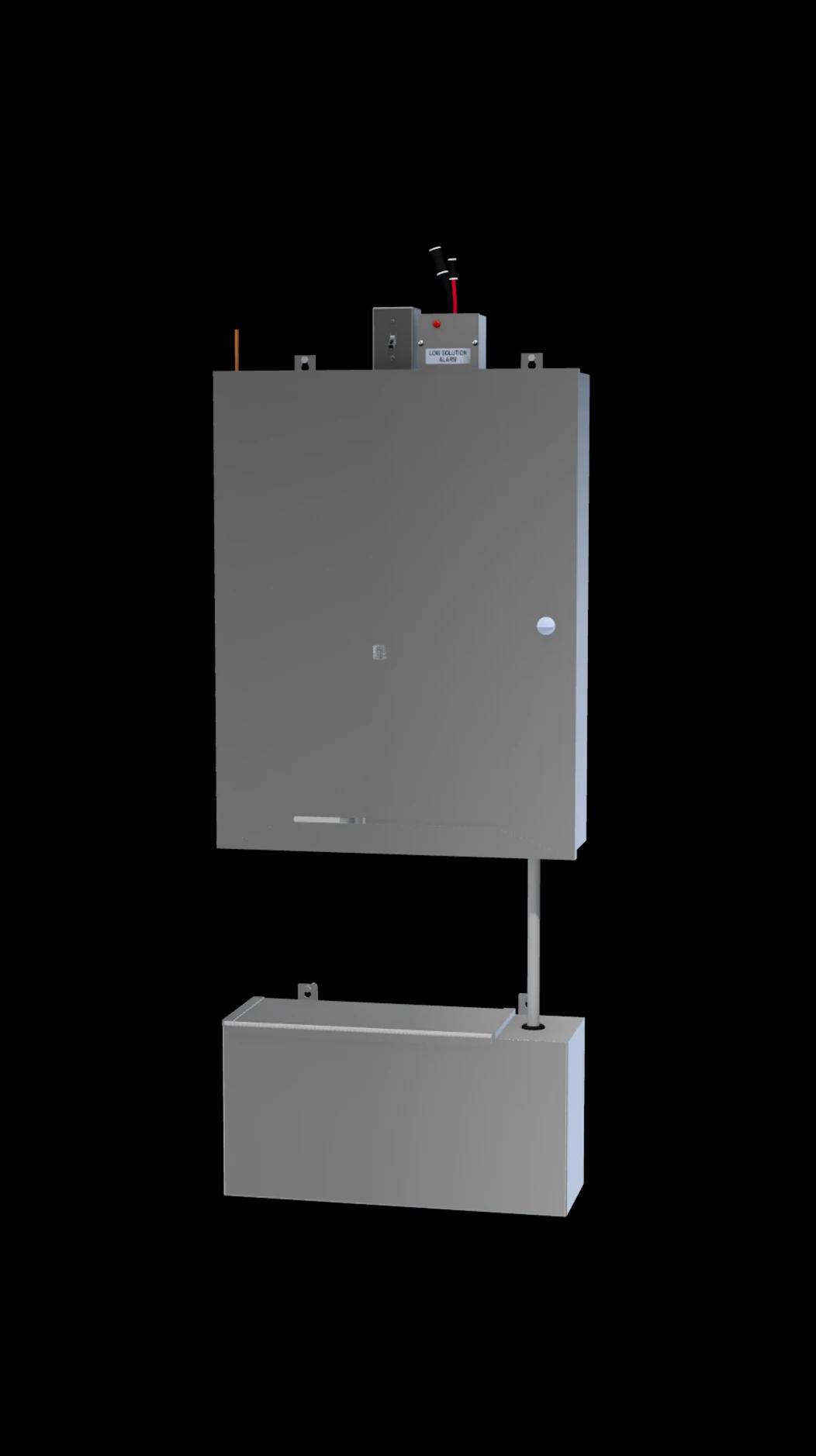
Shows you where to look
Each step opens the cabinet on the 3D model and lights the switch, valve or part it names.
Check it, then move on
Tick what you see, then tap Next. The guide never moves on by itself.
Stuck? Help on every step
The fixes for that step from the manual, and a direct line to Molitron at 303-969-8888.
Picks up where you left off
Progress is saved on your phone, so a closed page or a lost signal comes back to the same step.
Support hub · MOAS
3D startup guide
Before you start
Prefer paper? The same steps are in the manual’s start-up section.
- The installation is complete. The guide’s first step lists the six things to check.
- At least 4 gallons of Molitron Odor Neutralizer Solution.
- The kitchen’s exhaust fan, which has to run from power-on to the end.